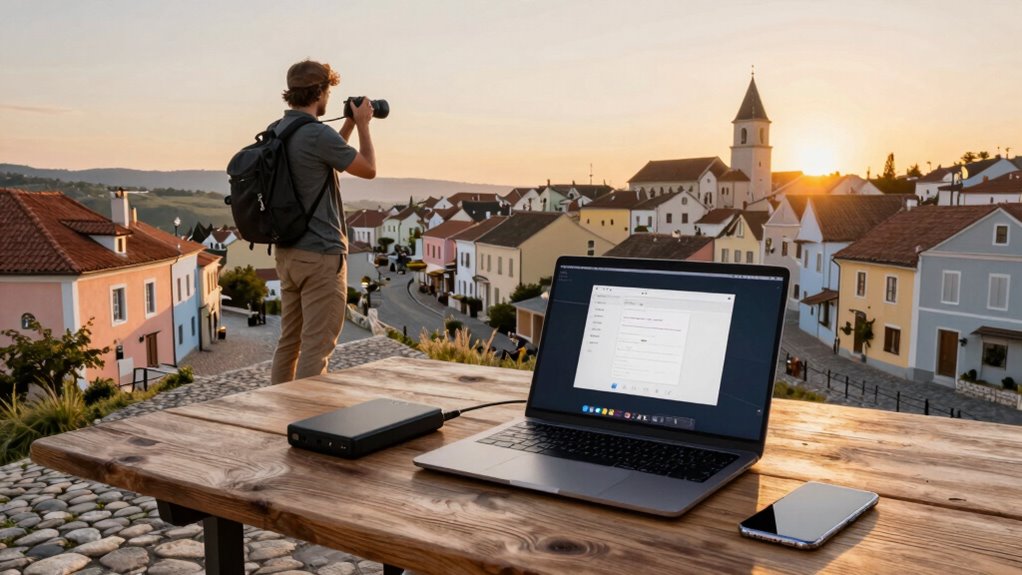

To back up photos safely while traveling Europe, transfer your shots daily from your camera to your phone or portable hard drive. Use reliable cloud services like Google Photos, Dropbox, or iCloud for automatic backups. Keep multiple copies on different devices and verify each backup before exploring new areas. Stay vigilant against theft and protect your data with encryption. If you want to discover more ways to safeguard your photos, keep exploring these tips for peace of mind on your trip.
Play games included with Prime
Start a Prime free trial and play with Amazon Luna on your devices.
As an affiliate, we earn on qualifying purchases.
Key Takeaways
- Transfer photos daily from your camera to a secure device or cloud service to prevent data loss.
- Use multiple backup methods, such as external drives and cloud storage, for comprehensive protection.
- Verify backups are complete before exploring new locations or leaving each site.
- Keep digital copies encrypted and password-protected to safeguard sensitive images.
- Carry backup devices securely and stay alert to prevent theft or damage during travel.
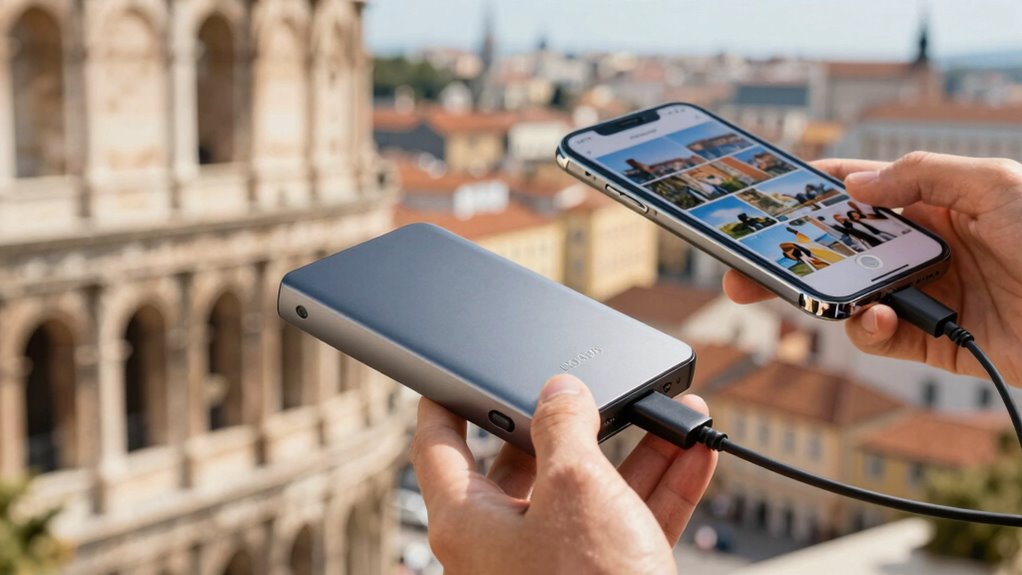
Traveling through Europe offers incredible photo opportunities, but without proper backups, you risk losing all your memories if devices are lost, stolen, or damaged. As you capture stunning architecture, vibrant street scenes, and breathtaking landscapes, it’s vital to think about how you’ll protect those images. Your camera equipment is valuable not just for the photos it takes but also for the investment you’ve made in quality gear. Carrying a reliable camera bag, keeping your equipment close, and avoiding obvious signs of wealth can help prevent theft. But even with careful handling, accidents happen. That’s where backing up your photos comes into play.
Protect your camera gear and memories by carrying it securely, staying vigilant, and backing up photos regularly during your trip.
A smart way to safeguard your images is to back them up regularly to a cloud service or portable storage device. While traveling, you might find yourself with limited internet access, so having a portable external hard drive or a high-capacity SD card can be invaluable. Transfer your photos from your camera to your device at least once a day, especially after a full day of shooting. This way, if your camera or phone gets stolen or broken, your precious memories are already secured elsewhere. Cloud services like Google Photos, Dropbox, or iCloud can automatically sync your images when you’re connected to Wi-Fi, offering an extra layer of protection. Always verify that your backups are complete before heading out for new adventures.
Don’t forget to think about travel insurance, which can provide peace of mind if your equipment is lost, stolen, or damaged. Many policies include coverage for electronics, so in case you encounter theft or an accident, you won’t be left empty-handed. Review your insurance policy carefully to understand what’s covered, and keep receipts and serial numbers handy. Having the right coverage means you can replace damaged or stolen camera equipment without draining your budget, allowing you to focus on capturing Europe’s beauty without worry. Additionally, being aware of data security practices can help protect your digital copies from cyber threats while abroad. For added security, consider using encryption to safeguard sensitive images and data stored on your devices.
As you explore new cities and hidden corners, remember that your camera equipment and backups are your tools for preserving memories. Rely on multiple backup methods: regularly transfer photos to a portable device, upload to the cloud, and keep physical copies if possible. Pairing this with appropriate travel insurance ensures you’re protected against unforeseen mishaps. Being aware of UAV innovations and the latest drone technology can also add unique perspectives to your photography portfolio. Additionally, understanding the importance of data security can help protect your digital copies from cyber threats while abroad. By staying vigilant and proactive, you can enjoy your trip knowing your photos are safe, ready to be relived long after you’ve returned home.
portable external hard drive for travel
As an affiliate, we earn on qualifying purchases.
As an affiliate, we earn on qualifying purchases.
Frequently Asked Questions
What Are the Best Cloud Storage Options for Travelers?
You should consider using cloud storage options like Google Drive, Dropbox, or OneDrive, which prioritize cloud security and offer reliable storage optimization features. These platforms allow you to back up your photos automatically, access them from any device, and share easily with friends. Make sure you use strong passwords and enable two-factor authentication for added security. Regularly monitor your storage to keep backups safe and organized during your travels across Europe.
How Do I Recover Lost or Deleted Photos?
If you’ve lost or deleted photos, don’t panic. Start by checking your cloud backups or device’s trash folder. Use photo editing software to recover any partially corrupted images, and organize your remaining photos for easier retrieval. Regular photo organization helps prevent future loss. If recovery tools don’t work, consider professional data recovery services. Always back up your photos frequently to avoid losing precious memories during your travels.
Is It Safe to Use Public Wi-Fi for Backups?
Using public Wi-Fi for backups carries risks like data interception and malware. To stay safe, avoid backing up sensitive photos on unsecured networks. If you must, make sure your connection uses data encryption—look for HTTPS sites or use a trusted VPN. A VPN encrypts your data, making it harder for hackers to access your backups. Always prioritize secure networks or wait until you’re on a trusted connection to protect your photos.
How Much Storage Space Should I Carry?
You should carry at least 256GB of storage space, as the average traveler takes around 1,000 photos per trip. This guarantees you can back up high-resolution images without constantly deleting. With plenty of storage, you’ll find it easier to organize your photos and even do some editing on the go. Plus, having extra space means you won’t miss capturing special moments, making your travel memories safer and more enjoyable.
Should I Carry Multiple Backup Devices?
Yes, you should carry multiple backup devices for added security. Opt for devices with good device durability, so they withstand travel mishaps. Regular backup frequency is essential; back up your photos often to prevent data loss if one device fails. Having multiple backups guarantees your photos stay safe, even if one device gets damaged, lost, or stolen. This way, you maintain peace of mind during your European adventure.
high capacity SD card for camera
As an affiliate, we earn on qualifying purchases.
As an affiliate, we earn on qualifying purchases.
Conclusion
Think of backing up your photos like planting seeds in a garden—if one gets trampled, your entire collection isn’t lost. I once met a traveler whose camera was stolen, but because they’d backed up their shots on the cloud, their memories of that trip stayed safe and accessible. Don’t gamble with your precious moments—spread your backups across devices and clouds. That way, no matter what happens, your memories will always bloom, ready to be enjoyed again.
cloud backup service subscription
As an affiliate, we earn on qualifying purchases.
As an affiliate, we earn on qualifying purchases.
As an affiliate, we earn on qualifying purchases.
Fall yard work Picks
leaf blowers
As an affiliate, we earn on qualifying purchases.