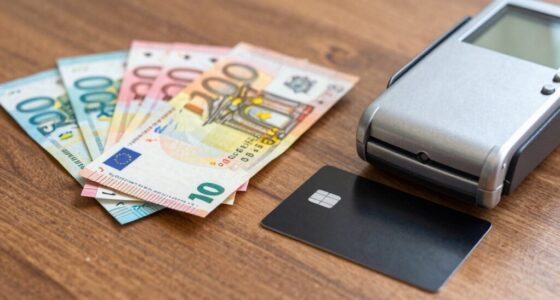
To use contactless payments across Europe, make certain your NFC device or contactless card is activated and charged, then look for the contactless symbol at checkout. Tap your device close to the terminal and wait for confirmation. If payments fail, check that NFC is enabled, your battery isn’t low, and the terminal accepts contactless payments. For troubleshooting tips and more, you’ll discover practical advice to keep your transactions smooth.

Get travel and outdoor gear delivered free — and shop member deals
- Fast, free delivery on millions of items
- Access to Prime Big Deal Days deals on October 6–7
- Prime Video, Amazon Music and more included
Key Takeaways
- Enable NFC on your device and add your bank cards or digital wallets before traveling.
- Confirm terminals display the contactless symbol and keep device close until payment is confirmed.
- Be aware of country-specific limits and PIN requirements for transactions exceeding set thresholds.
- Ensure your device is charged and NFC is enabled; carry physical contactless cards as backup.
- Troubleshoot failures by checking NFC settings, device battery, and terminal compatibility; contact your bank if issues persist.
As an affiliate, we earn on qualifying purchases.
Understanding the Basics of Contactless Payments in Europe
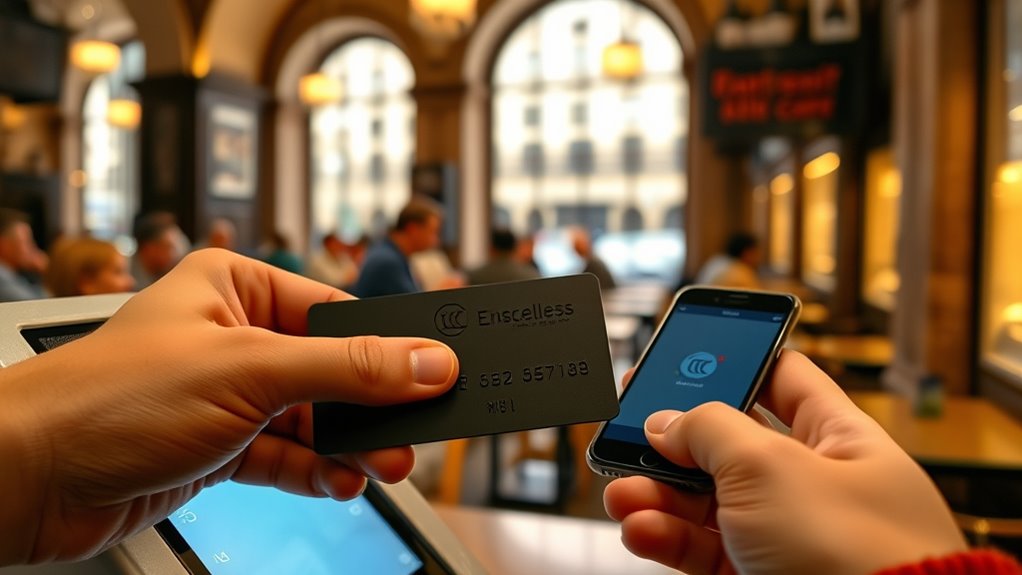
Contactless payments have become a standard way to make transactions across Europe, offering a quick and convenient alternative to cash or chip-and-PIN cards. You simply tap your NFC-enabled card, phone, or wearable on a compatible terminal to complete a purchase. Most transactions stay within set limits, like £100 in the UK or €50 in many countries, making small payments faster. To get started, confirm your device has NFC activated and your card or digital wallet is set up. Widespread acceptance means you can use contactless in retail stores, transit, and even ATMs. Compatibility depends on having NFC chips and supporting terminals. While it’s reliable, issues can happen if NFC is disabled or if you’re in remote areas with older equipment.
digital wallet for contactless payments
As an affiliate, we earn on qualifying purchases.
As an affiliate, we earn on qualifying purchases.
Setting Up Your Digital Wallet and NFC-Enabled Devices
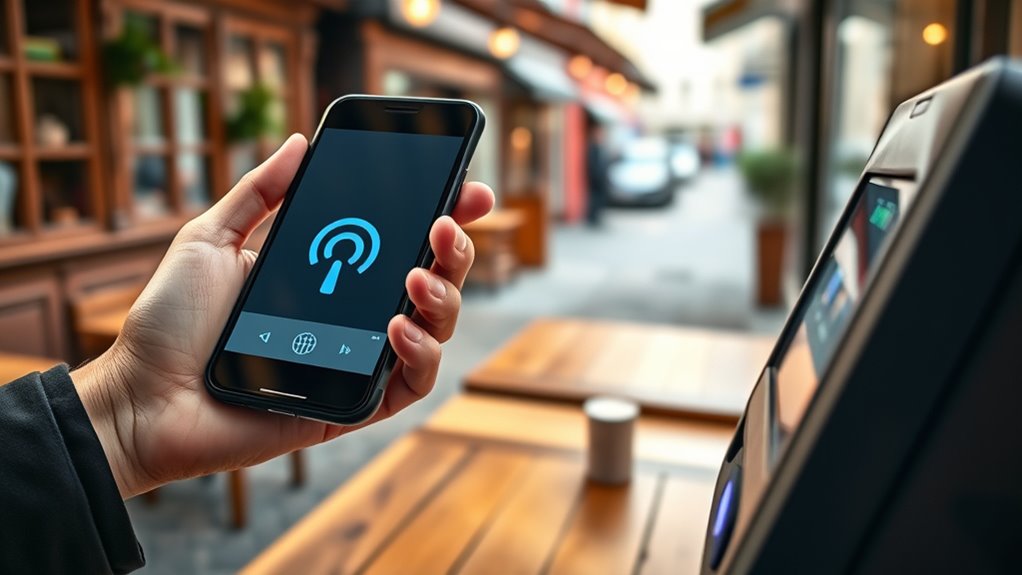
To start using digital wallets and NFC-enabled devices for contactless payments, you’ll need to set them up properly. First, enable NFC in your device settings—without it, contactless payment is impossible. Next, download and install your preferred wallet app, like Apple Pay or Google Pay. Add your bank card by scanning it or entering details manually, ensuring it’s compatible and activated for contactless use. Additionally, verifying your card’s contactless payment capabilities can prevent setup issues. It is also advisable to check the security features offered by your digital wallet to ensure your financial data remains protected during transactions. Incorporating European banking standards can help you understand the security requirements across different countries. Implementing security features such as biometric authentication or PIN codes further enhances your account protection. Leveraging innovative European cloud servers can also enhance data security and privacy during transactions.
contactless payment terminal reader
As an affiliate, we earn on qualifying purchases.
As an affiliate, we earn on qualifying purchases.
Making Contactless Payments in Different Countries
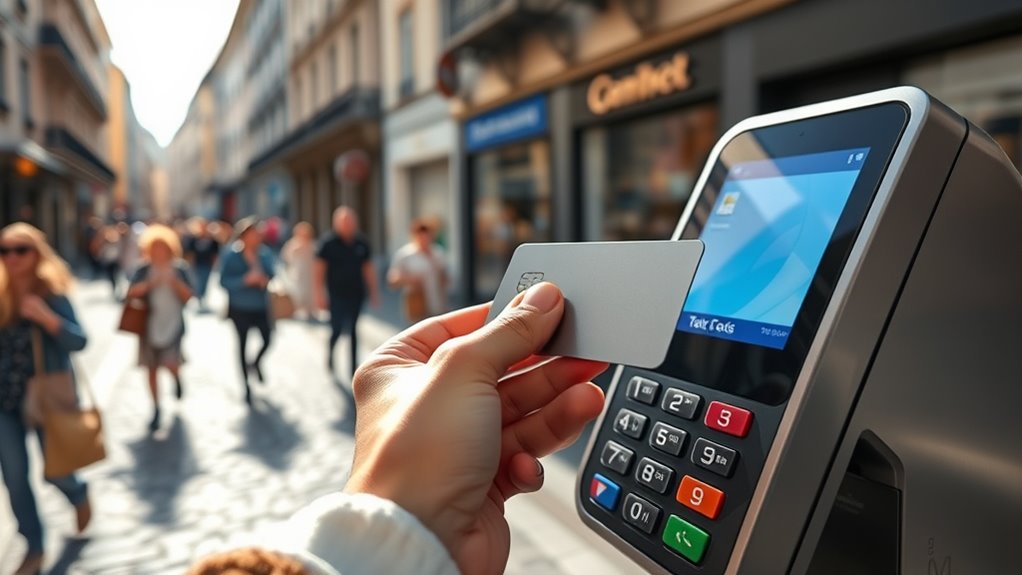
Making contactless payments across Europe, you’ll notice country-specific norms and varying adoption rates. Some places, like the UK and France, have high contactless use, while others, such as Germany and Poland, show different preferences or pilot programs. Understanding these differences helps guarantee smooth transactions wherever you go. Utilizing our world clock tool can also help you stay aware of local time zones and operating hours for banking services. Additionally, being aware of payment technology differences can help you prepare for potential compatibility issues with certain card readers or devices.
Country-Specific Payment Norms
Different countries in Europe have distinct norms and practices for making contactless payments, shaped by local regulations, infrastructure, and consumer habits. To navigate these differences, keep in mind:
- Transaction Limits: Many countries set caps—like €50 in some places—requiring PINs beyond that.
- Preferred Payment Methods: The UK favors digital wallets and bank cards, while Germany leans toward wallets like PayPal.
- Device Compatibility: Some nations prioritize cards, others mobile wallets; ensure your device supports NFC.
- Merchant Acceptance: Rural or older areas may have fewer NFC-compatible terminals, so carry cash as backup.
Understanding these norms helps you adapt quickly and avoid surprises when making contactless payments across Europe.
Variations in Contactless Adoption
Across Europe, contactless payment adoption varies considerably from country to country, influenced by local infrastructure, consumer habits, and regulatory practices. In the UK, over half use digital wallets, and contactless transactions topped 18 billion in 2023. Germany favors digital wallets like PayPal, with only 20% using bank cards. France relies heavily on Carte Bancaire, with high contactless rates. Poland’s BLIK dominates, but rising card and mobile use are evident. Italy leans towards digital wallets like Postepay and Satispay, with 48% adoption. Additionally, some countries are beginning to adopt Free Floating technologies, which can impact the ease and security of contactless payments in various regions. Understanding payment infrastructure differences can help consumers navigate potential issues when making transactions abroad, especially as payment networks continue to evolve rapidly across the continent.
As an affiliate, we earn on qualifying purchases.
Ensuring Compatibility and Troubleshooting Common Issues
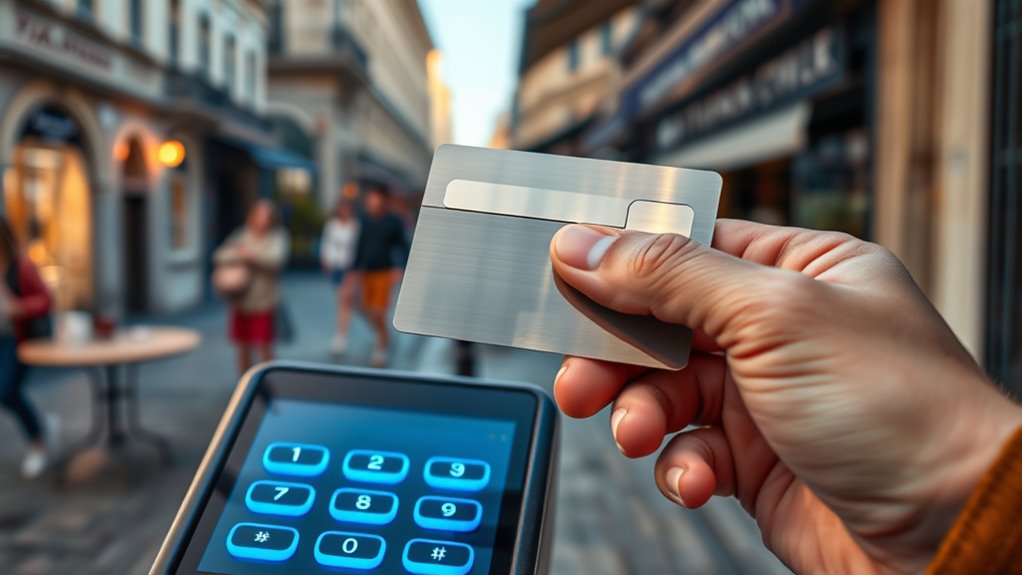
Ensuring your devices are compatible with contactless payments is essential for smooth transactions. If your device isn’t NFC-enabled or properly set up, you’ll face failures or delays. To troubleshoot and avoid issues, check these key points:
- Device Compatibility – Ensure your smartphone, smartwatch, or contactless card has an NFC chip. NFC technology plays a crucial role in enabling contactless payments. Additionally, verify that your device supports the specific contactless payment standards used by your bank or payment provider. Confirming device compatibility with your payment method can prevent many problems before they occur. It’s also helpful to review your device’s manufacturer specifications to ensure full support.
- Settings and Battery – Confirm NFC is enabled and your device has sufficient battery life.
- Terminal Support – Use NFC-compatible terminals; older or rural locations may lack support.
- Network and Card Provisioning – Verify your bank supports contactless, your wallet is properly linked, and there are no network issues.
- Device Setup and Configuration – Properly configuring your device, including software updates, can prevent many contactless payment issues. Regular updates can also enhance security and compatibility.
Tips for a Smooth Contactless Payment Experience
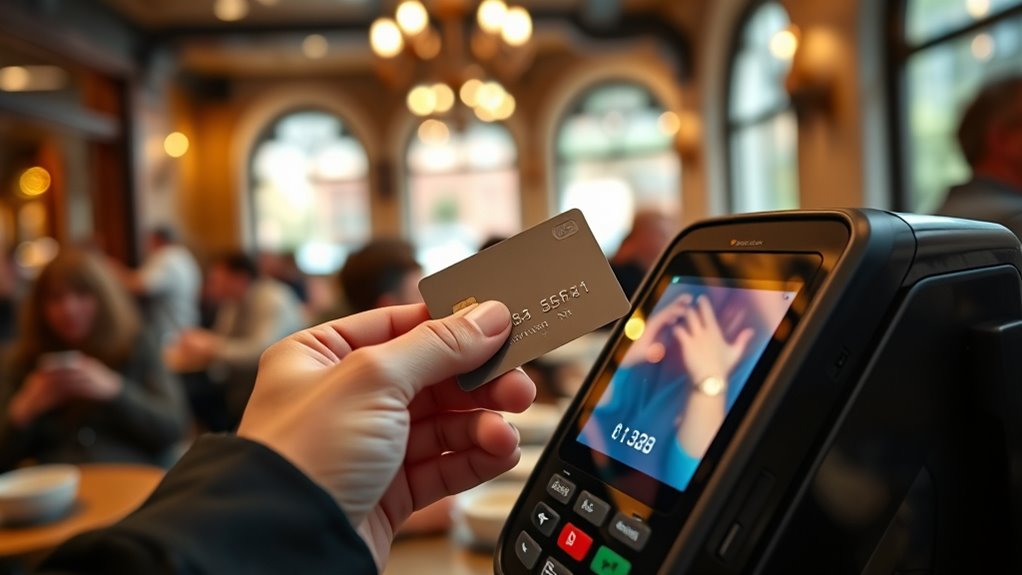
To guarantee smooth contactless payments, make sure NFC is enabled on your device before you shop. Keep your device charged so it doesn’t run out of power at the checkout, and always use terminals that accept contactless payments. These simple steps can save you time and frustration during your transactions. Additionally, ensure your device’s security settings are up to date to protect your payment information. Being aware of modern payment technologies can also help you troubleshoot issues more effectively if problems arise. Remember that device compatibility can sometimes affect whether your contactless payment works smoothly. Familiarizing yourself with seasonal variations in payment acceptance might also help, especially if you travel during different times of the year. Staying informed about payment acceptance policies at different merchants can further improve your experience.
Enable NFC Settings
Enabling NFC settings on your device is essential for smooth contactless payments. Without it, your phone or smartwatch can’t communicate with payment terminals. To guarantee seamless transactions, follow these steps:
- Check your device’s settings menu and turn on NFC or “Near Field Communication.” NFC functionality is often disabled by default, so verifying this setting is crucial for operation.
- Set your preferred payment app or wallet as the default to speed up checkout.
- Keep your device’s software updated to avoid compatibility issues.
- Test NFC functionality at a contactless terminal before your trip to confirm it’s active.
- Ensure your secure payment methods are properly configured to protect your transactions.
Keep Device Charged
A charged device is essential for smooth contactless payments, as dead batteries can leave you unable to complete transactions at the moment of need. To avoid this, keep your phone, smartwatch, or contactless card‘s battery topped up, especially before heading out. Regularly charge your device overnight or during downtimes, and carry a portable power bank if you’re out for extended periods. Disable battery-saving modes that might restrict NFC functions, and monitor your battery level throughout the day. If your device is low on power, consider switching to a physical contactless card as a backup. Staying powered guarantees you won’t face unexpected payment failures, making your contactless experience seamless and stress-free across Europe. Proper body jewelry measurements are also important to ensure your device functions correctly and comfortably. Additionally, using a power bank or portable charger can provide extra security when you’re away from power sources for long durations.
Use Accepted Terminals
Using the right terminals makes a big difference in guaranteeing smooth contactless payments. When terminals support NFC technology, your tap will process quickly and reliably. To improve your experience:
- Verify the terminal has the contactless symbol before tapping.
- Use NFC-enabled devices like smartphones, smartwatches, or contactless cards.
- Ensure the device’s NFC is enabled and the battery is charged.
- Keep your device close to the terminal until you see confirmation, avoiding unnecessary movement.
Recognizing When Contactless Payments Might Fail and How to Handle It
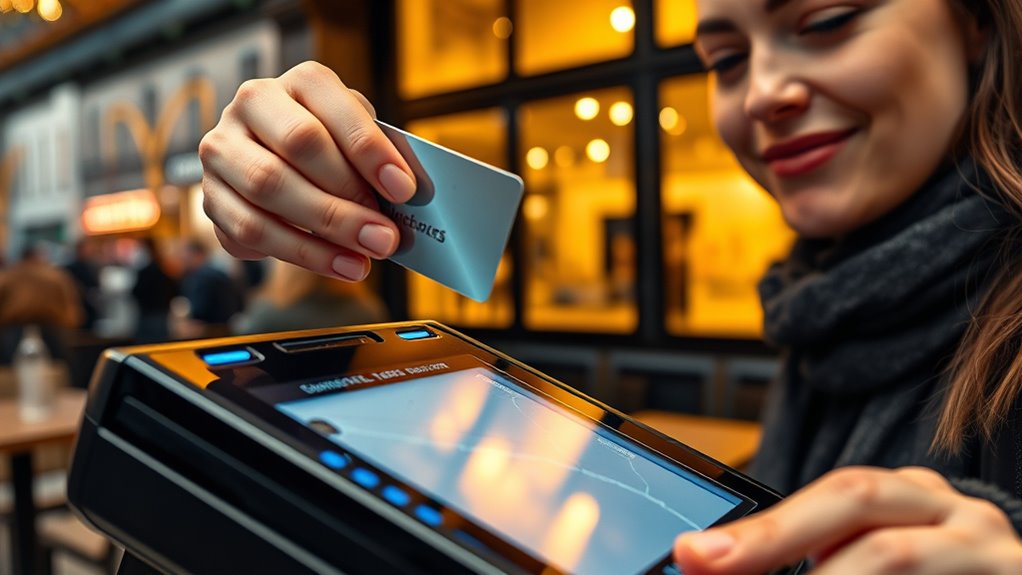
Contactless payments can sometimes fail unexpectedly, and recognizing these signs helps you act quickly. If your payment doesn’t go through, check for common issues like NFC being disabled, low battery, or incompatible terminals. Network problems or restrictions on foreign cards can also cause declines. Understanding these signs allows you to troubleshoot efficiently.
| Issue | Solution |
|---|---|
| NFC disabled or off | Turn NFC on in device settings |
| Low battery | Charge your device before paying |
| Incompatible terminal | Try another location or use a card |
| Network issues | Wait or switch to another payment method |
| Card restrictions or blocks | Contact your bank to verify international use |
Frequently Asked Questions
Can I Use Contactless Payments Internationally With the Same Device?
Yes, you can use your contactless device internationally, but it depends on your bank or card issuer. Confirm your card or digital wallet is enabled for international use and supports EMV contactless technology. Keep in mind, some countries or merchants might have limits or restrictions, and foreign cards could be blocked or declined if not authorized for international transactions. Always check with your bank before traveling abroad to avoid surprises.
Are There Any Fees for Using Contactless Payments Across Europe?
You typically won’t face extra fees when using contactless payments across Europe, but it depends on your bank or card issuer. Some banks may charge foreign transaction fees or currency conversion costs, especially if you’re using a card issued outside the Eurozone. Check with your bank beforehand to understand any potential charges. Usually, contactless payments are convenient and cost-effective, making them a smart choice for travelers.
How Secure Are Contactless Payments Compared to Traditional Card Payments?
Contactless payments are generally very secure because they use encryption and tokenization to protect your data. When you tap, your actual card details aren’t transmitted; instead, a one-time code is used, reducing fraud risk. Plus, you often need biometric verification or a PIN for higher-value transactions. While no method is entirely foolproof, contactless payments offer a secure, convenient alternative to traditional cards, especially when you follow safety tips.
What Should I Do if My Contactless Payment Is Declined Unexpectedly?
If your contactless payment gets declined unexpectedly, first check if NFC is enabled on your device and verify your battery isn’t dead. Try removing and re-adding your card or wallet, or use an alternative payment method. Confirm there’s no transaction limit issue or network problem. If it still doesn’t work, contact your bank or card issuer to verify if there’s a block or restriction on your account.
Do Contactless Payments Work Offline or Without Internet Connection?
Imagine holding your phone or card close to the terminal, feeling a slight buzz as the transaction completes smoothly. Contactless payments can work offline, without internet, as long as your device or card has stored enough data and is compatible with NFC. When you’re in a busy shop or on transit, your payment may succeed even if the network is down, thanks to stored transaction info.
Conclusion
Remember, preparedness is key when using contactless payments in Europe. Keep your devices updated, have backups like cash, and stay patient if tech glitches occur. As the saying goes, “Better safe than sorry,” so knowing how to troubleshoot and adapt guarantees your travels stay smooth. With a little prep, you’ll enjoy a seamless experience and explore Europe with confidence and convenience.
Halloween Picks
halloween
As an affiliate, we earn on qualifying purchases.